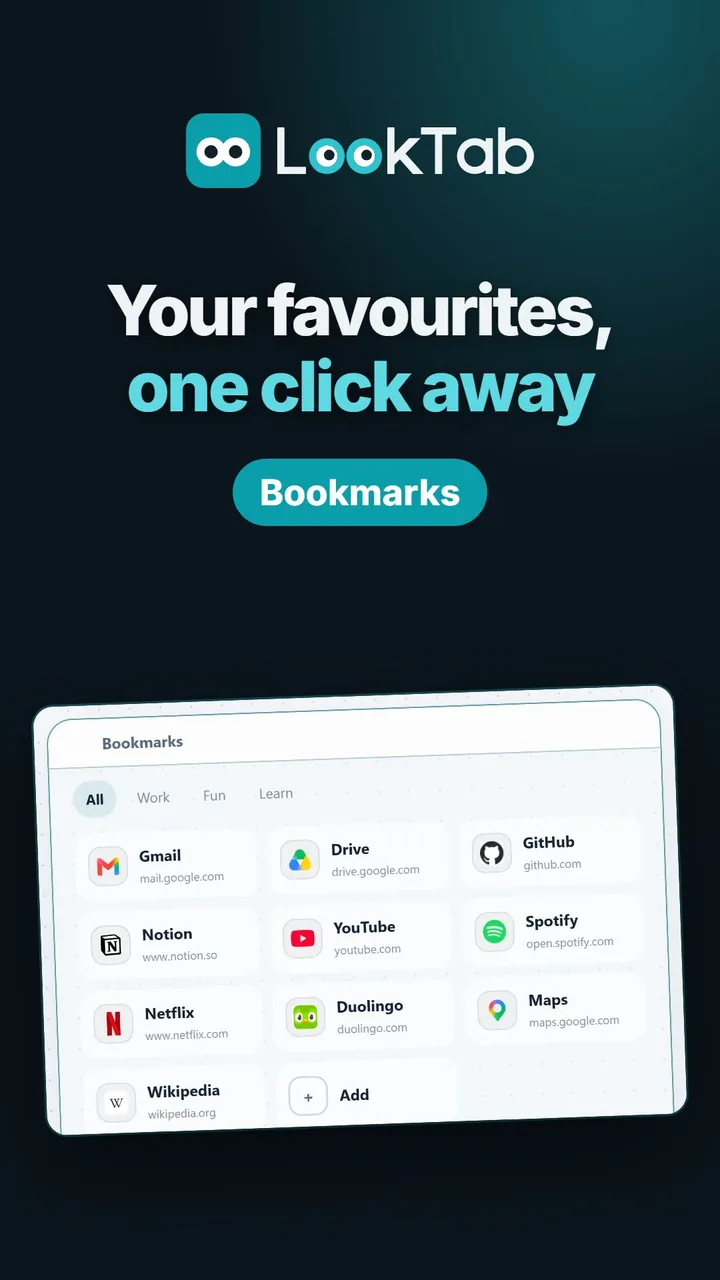
What the video shows
Just type the address. The logo and the title are found for you.
Four ways to show them. Logo grid, icon and title, compact list or cards.
Exactly how you like it. Icon size and shape, logo style, widget style and accent colour, all with a live preview.
Light or dark. Widgets follow the theme you pick.
Groups and folders. Switch between groups; drop one logo on another to make a folder.
One key away. Press slash to search all your bookmarks.
Watch on YouTubeQuestions about this widget
Can I bring in my browser's bookmarks?
Yes. "Import browser bookmarks" brings them in, folders included.
Do I have to add the logos myself?
No. Type the address and the site's logo and title are found for you.
Will my bookmarks show on another computer?
With an account, they sync across your devices; you can also use it without one.
Is it free?
Yes. LookTab is free and shows no ads.
Open a tab. See your day.
Set up in a minute. No account, no ads, no fuss.
For Chrome, Edge, Brave and other Chromium browsers