What the video shows
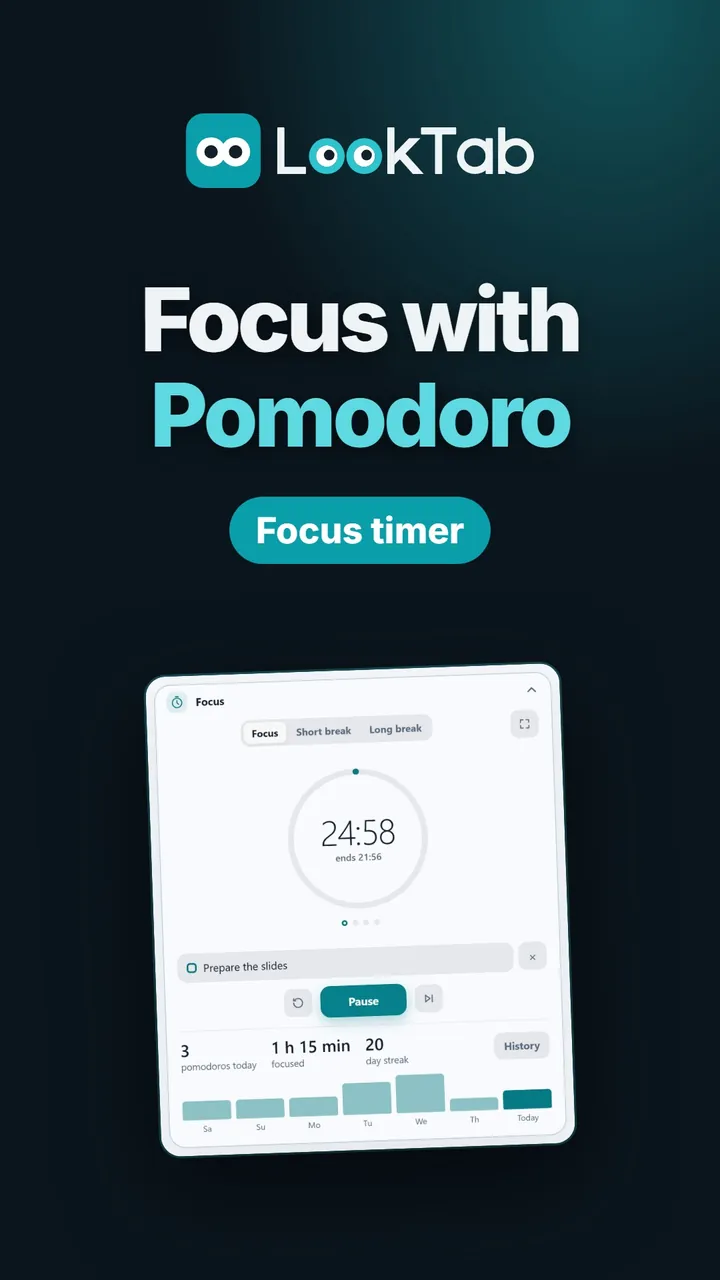
Pick your focus, press start. Choose one of your tasks, set the time and start.
Focus screen. Just the time left, nothing to distract you.
When the time is up. Tick off your task in one click; your pomodoro count and streak update.
See your effort. Today's time, your streak and the last 7 days; weeks and months with Pro.
Make it look your way. A ring or just digits; widget style and accent colour.
Light or dark. Widgets follow the theme you pick.
Watch on YouTubeQuestions about this widget
Does the timer stop if I close the tab?
No. It keeps running in the background and tells you with a sound and a browser notification when time is up.
Can I see the time left from another tab?
Yes. If you like, the time left shows in the tab title.
Can I see older focus history?
The last 7 days are free; weeks and months come with Pro.
Is it free?
Yes. LookTab and its focus timer are free, need no account and show no ads.
Open a tab. See your day.
Set up in a minute. No account, no ads, no fuss.
For Chrome, Edge, Brave and other Chromium browsers