Guide
How to choose a new tab extension for Chrome
You open a new tab dozens of times a day. Here is what matters when you pick the extension that fills it — and how LookTab handles each point.
1. It should respect your privacy
A new tab extension runs on every tab you open, so check what it can see and what it sends. Read the permissions in the Chrome Web Store and the privacy policy before you install.
- LookTab has no access to the pages you visit or to your browsing history.
- No ads, no analytics, no tracking; the extension sends no telemetry.
- Without an account, nothing about you reaches our server.
2. It should work without an account
Some start pages only work after you sign up. A good new tab works straight away and keeps your data in the browser; an account should be an option for syncing, not a gate.
- Every LookTab widget works without signing up.
- Sign in with email or Google only if you want the same boards on several computers.
- Backup and restore to a file, with or without an account.
3. It should show what you actually check
The point of a new tab dashboard is to stop opening five tabs to start your day. Look for widgets you would use every day, and the freedom to leave out the rest.
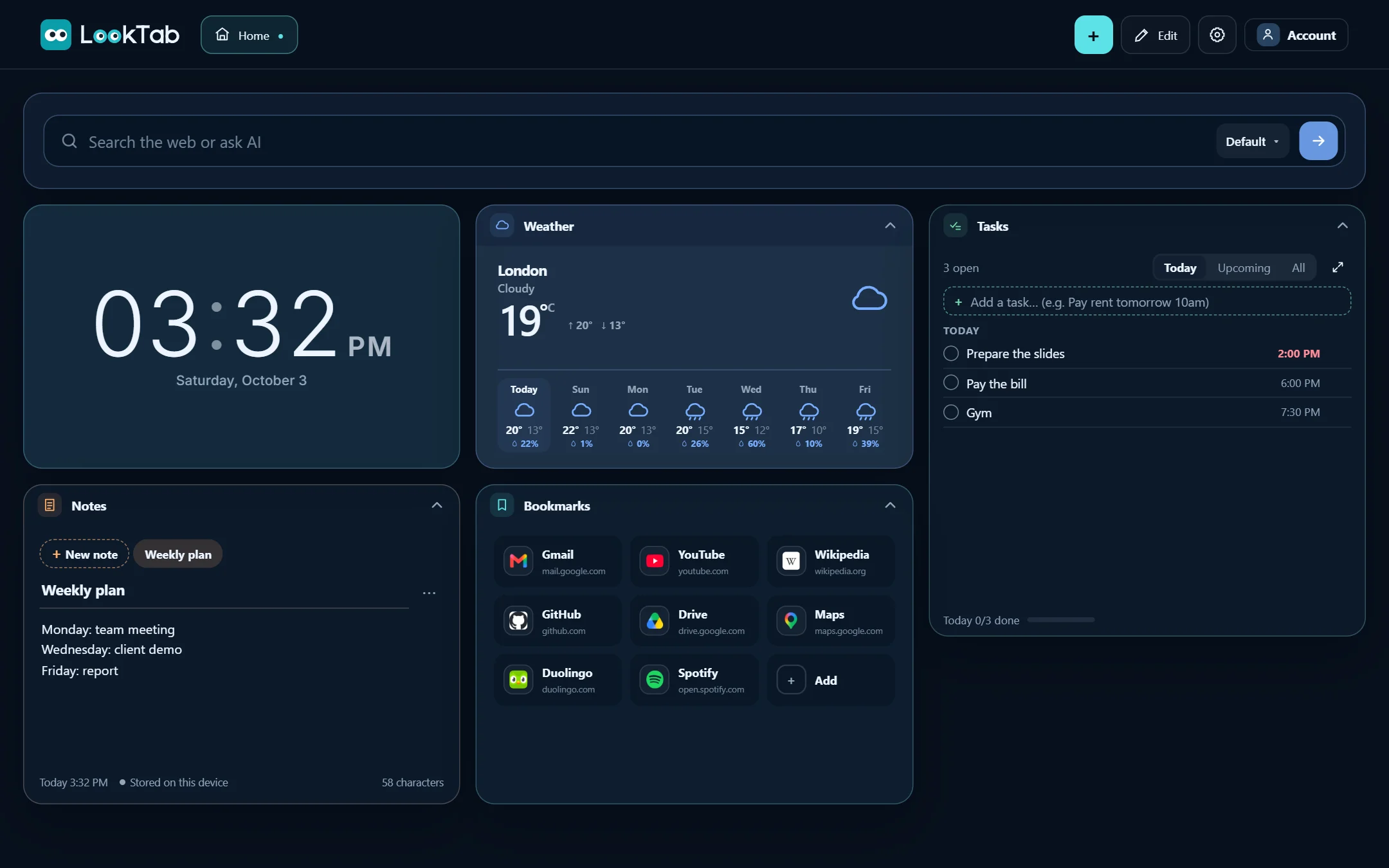
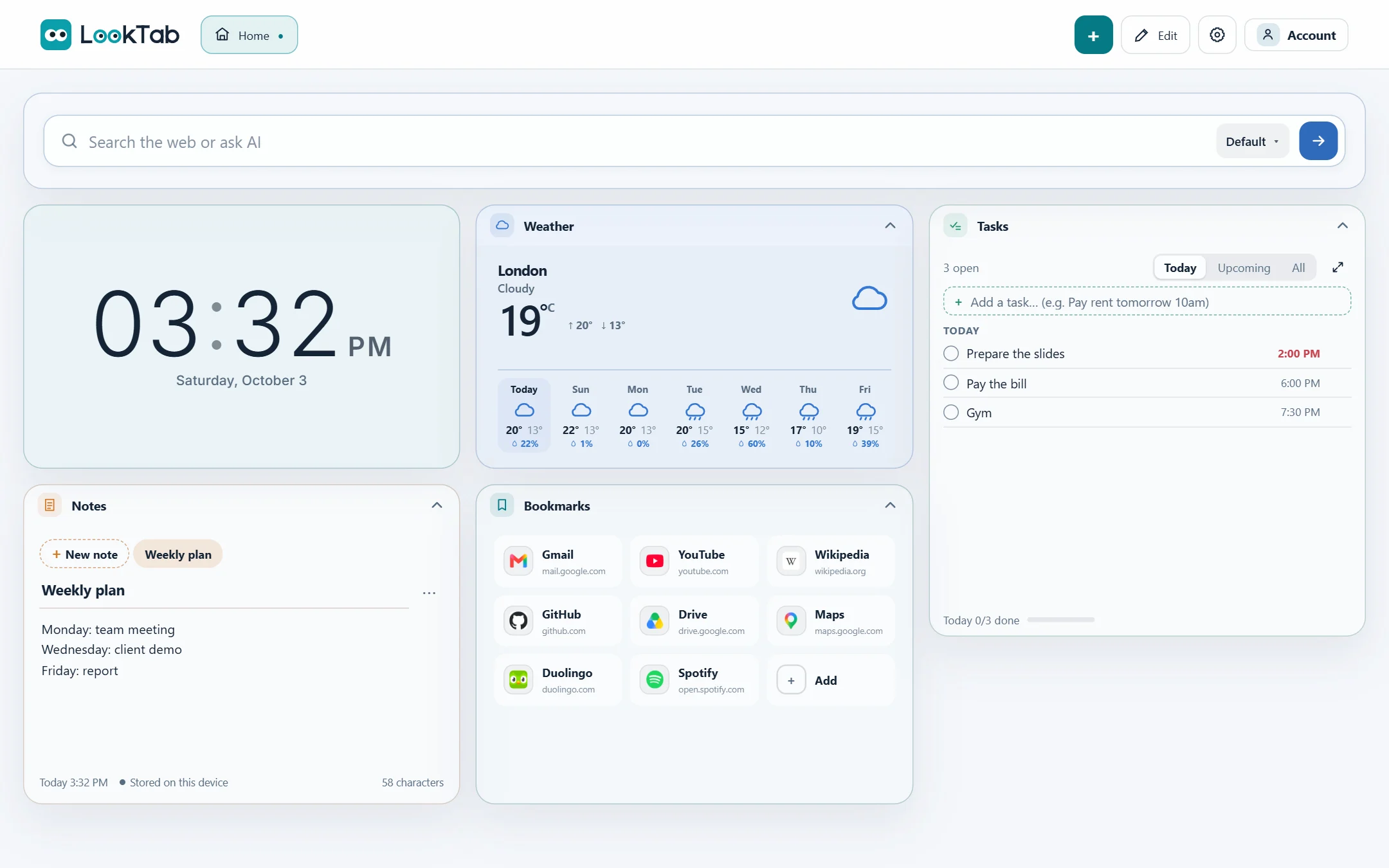
- Google Calendar with Day, Week and Month views, tasks with reminders and notes.
- Weather, news from the sites you choose, exchange rates and gold prices.
- Bookmarks with groups and quick search, prayer times, a Pomodoro focus timer and countdowns.
4. It should be fast and stay out of the way
A new tab has to open instantly, even offline. Heavy start pages that load everything from the internet feel slow on every tab.
- LookTab keeps everything in your browser first, so the board opens at once.
- Live data such as weather and news refreshes quietly in the background.
- Calm design: light and dark themes, wallpapers, no pop-ups.
5. It should be fairly priced
Check what is free and what is behind a subscription before you build your setup around an extension.
- Every LookTab widget is free.
- Every widget and the core features stay free; an optional Pro plan will add more capacity and extra tools.
- No ads — Pro, not your attention, is how LookTab will pay for itself.
Questions
What is a new tab extension?
A browser extension that replaces the empty new tab page with something useful, such as a dashboard with your calendar, tasks, bookmarks and weather.
Is LookTab free?
Yes. Every widget and the core features are free, with no ads. A Pro plan with more capacity and extra tools is planned; account holders will get a free trial when it starts.
Does LookTab work in Edge and Brave?
Yes. Install it from the Chrome Web Store in Google Chrome, Microsoft Edge or Brave.
Open a tab. See your day.
Set up in a minute. No account, no ads, no fuss.
For Chrome, Edge, Brave and other Chromium browsers