What the video shows
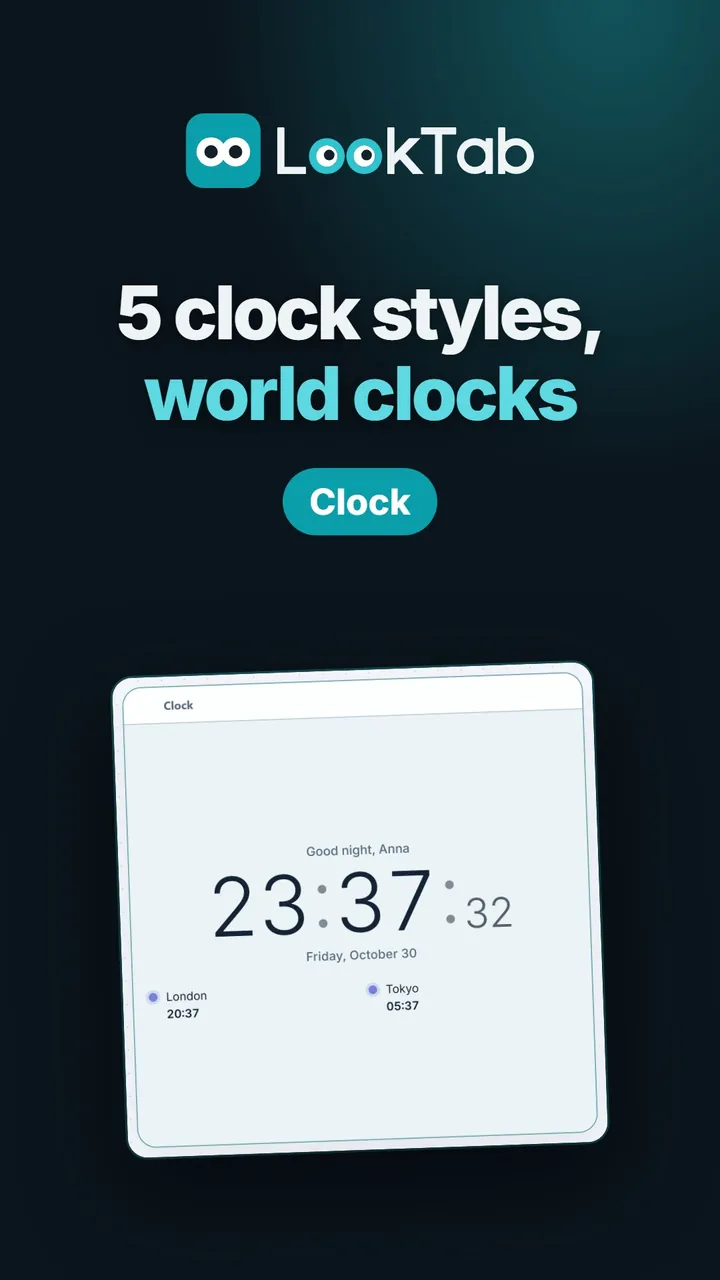
Five clock styles. Minimal, bold and light, analog, flip or neon.
Your time, your date, your greeting. 12 or 24 hours, seconds, date format; a greeting with your name.
World clocks. Up to four cities, time differences at a glance.
Make it look your way. Background colour and digit weight, with a live preview.
Light or dark. Widgets follow the theme you pick.
Watch on YouTubeQuestions about this widget
How do I add world clocks?
Pick a name and a time zone for each city; you can add up to four.
Does it use my computer's time?
Yes. The time and date follow your computer's clock.
Is it free?
Yes. LookTab is free, needs no account and shows no ads.
Open a tab. See your day.
Set up in a minute. No account, no ads, no fuss.
For Chrome, Edge, Brave and other Chromium browsers