What the video shows
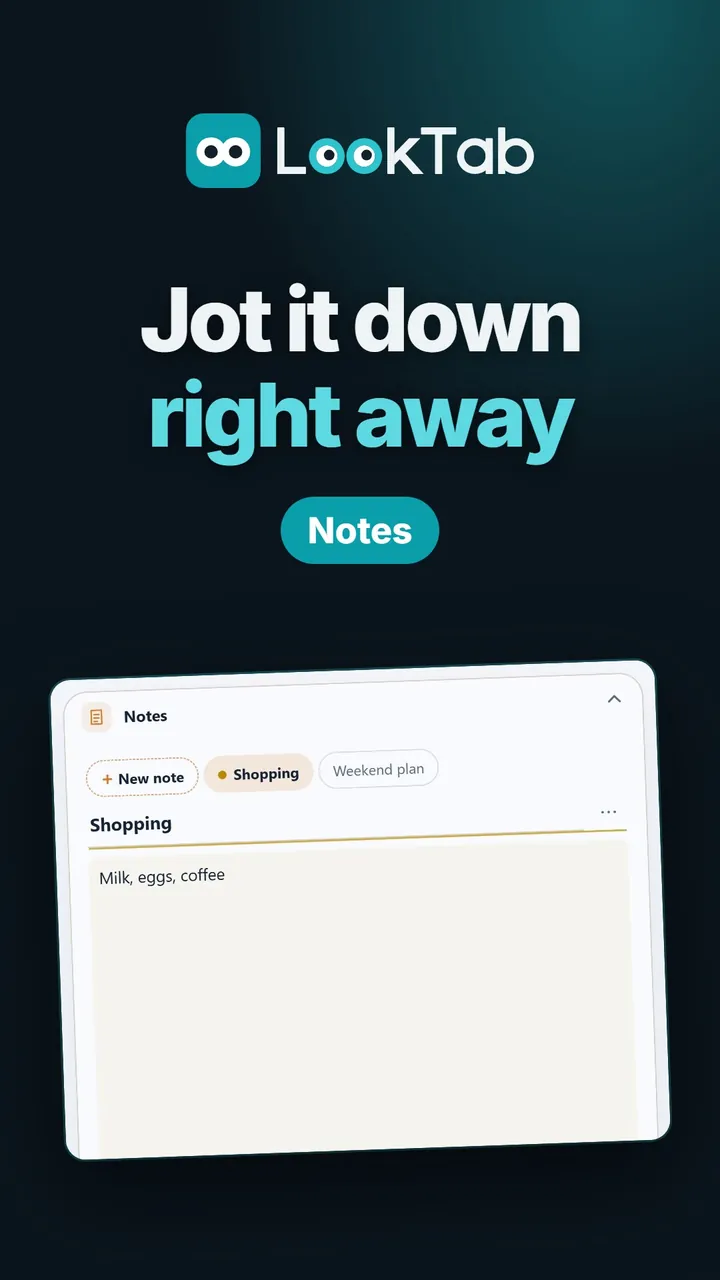
Just write. Your notes save themselves as you type.
Format it. Bold, coloured text and to-do lists you can tick.
As many notes as you like. Colour your notes, pin the important one to the top.
Write full screen. The whole page for longer notes.
Make it look your way. Widget style and accent colour, with a live preview.
Light or dark. Widgets follow the theme you pick.
Watch on YouTubeQuestions about this widget
Where are my notes stored?
In your browser, on your own device. With an account, they sync across your devices.
Do I need an account?
No. Notes work without one.
Can I back up my notes?
Yes. Settings → Privacy and data → Back up and restore saves a backup file.
Is it free?
Yes. LookTab is free and shows no ads.
Open a tab. See your day.
Set up in a minute. No account, no ads, no fuss.
For Chrome, Edge, Brave and other Chromium browsers